
Connect your shop & ERP.
WeClapp, WooCommerce & stock sync: stock, prices and orders flow automatically between shop and ERP – instead of being typed in.
Sound familiar?
- Orders are copied into the ERP by hand.
- The shop shows stock that has long left the warehouse.
- Every price change has to be maintained twice.
- Shipping labels and accounting eat up time every day.
The solution
Systems that talk to each other.
Stock sync
The shop knows the ERP stock levels – no overselling, no awkward follow-ups.
Products & prices from one source
Maintained once, up to date everywhere: in the ERP, in the shop and, if you like, in the PIM.
Orders without typing
Orders move on to the ERP automatically.
DATEV connection
Accounting gets its data without anyone sorting receipts.
Shipping from the system
Shipping labels straight from the ERP instead of three different portals.
Errors that get noticed
I build integrations so that problems are logged and reported – instead of silently losing data.
How your integration comes about
-
Map the data flows
Which systems are running, which data has to go where? We draw the route once, properly.
-
Build & test
I build the connection and test it with real data in a protected environment.
-
Go live with checks
Switch-over with stock checks – and I stay reachable afterwards.
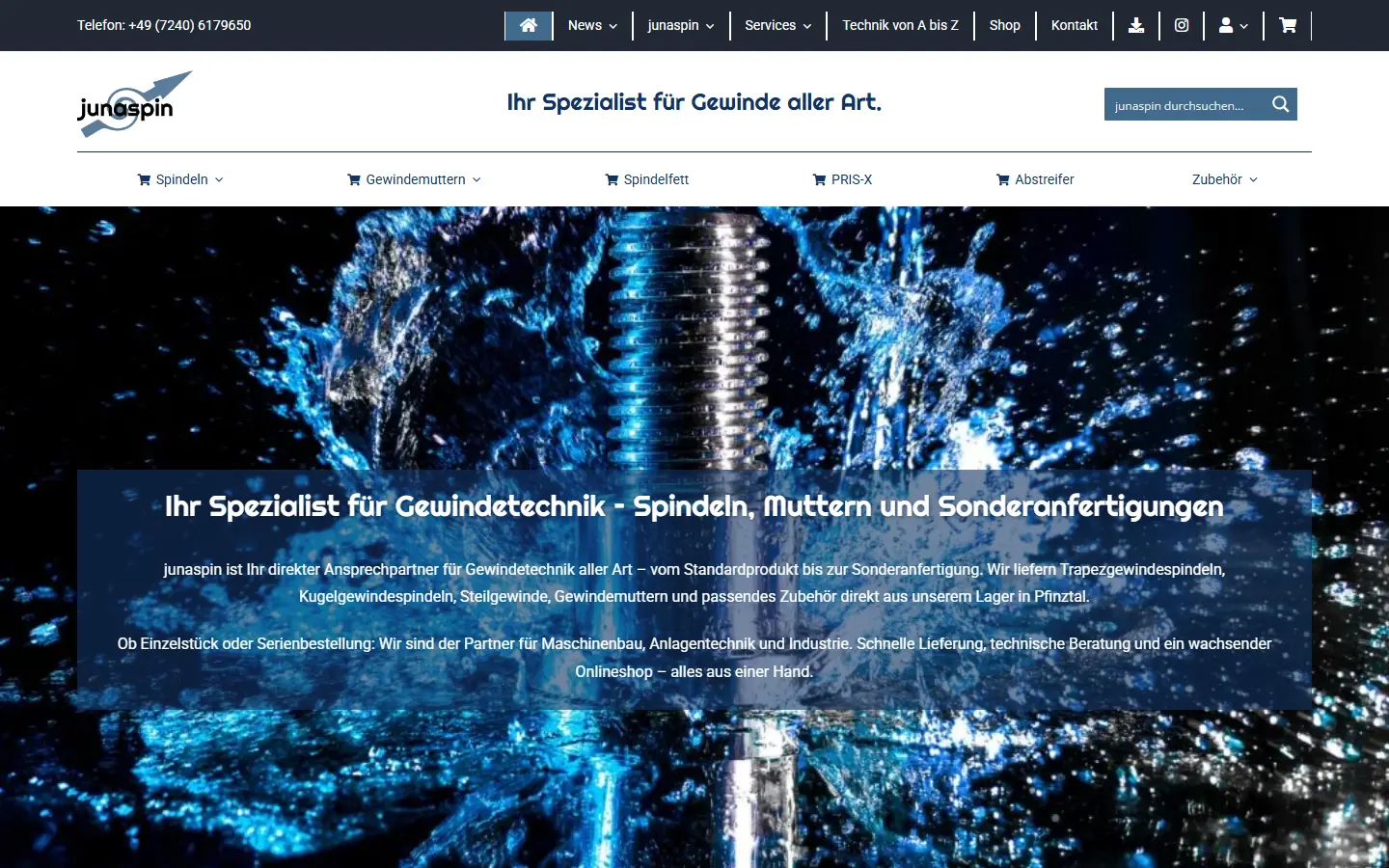
From practice
junaspin: from the old ERP to WeClapp
For junaspin I moved the ERP from on-premise to WeClapp – with stock sync to the WooCommerce shop, a DATEV interface and shipping labels straight from the system.
Read the case study →Questions about the integration
How do I connect WooCommerce with WeClapp?
Through the interfaces (REST APIs) of both systems: stock comes from WeClapp into the shop, orders move into the ERP as sales orders. Errors are logged and reported. At junaspin, this is how the stock sync between WooCommerce and WeClapp works.
Which systems can you connect?
Among others WooCommerce, WeClapp, DATEV and Microsoft 365. Other systems are connected via REST APIs or CSV and Excel exports.
Do I need a new ERP for this?
Usually not. I look at what you are running and build on it. Only if the old system cannot be connected do we talk about switching.
What happens if the integration fails?
Errors are logged and reported, and once the problem is fixed the sync catches up on whatever was left. Nothing gets lost silently.
How much does a shop–ERP integration cost?
It depends on the systems and data flows. After a free conversation you get a written quote with clear line items.
Project or problem?
Tell me about it.
Whether it’s a new project or IT that just needs to work again: a quick call or a few lines are enough. I’ll tell you honestly what I think – and what it takes.
Free and without obligation · reply usually within one working day
sascha@liesener.de